News allows us to communicate information to Unit members and friends.

News allows us to communicate information to Unit members and friends.
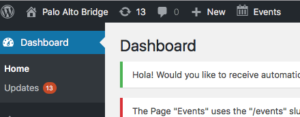
To create a news story you will log into the WordPress ‘Dashboard’ for our site and then:
News stories on our website are called Posts in WordPress.
 Select Posts > Add New from the menu on the left side of the page
You may also start by duplicating an existing Post and editing it:
or
Enter the event name in the Enter title here field.
Select the editor you want to use:
Select the visual mode for the Back End and Classic editors:
Enter the event information:
 Use the text area to add a description of the event using text and/or images.Preview the Event.
When through, go back to the upper-right area of the page and select the Preview button. Wordpress is finicky and you may have to select it twice. This will display the page in a new tab as it will look on our website.
After reviewing the news item delete the tab to return to the edit page.
Note: If your browser did not create a new tab, use the browser Back button to return to the event dialog.
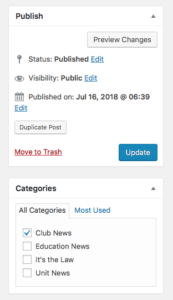
Make any corrections to the event. When done select the blue Publish Post . Again, you may have to select it a twice.
Go to the News page and verify that it displays what you want. If not, use your browser Back button to return to the news item and re-edit and publish it using the blue Update.